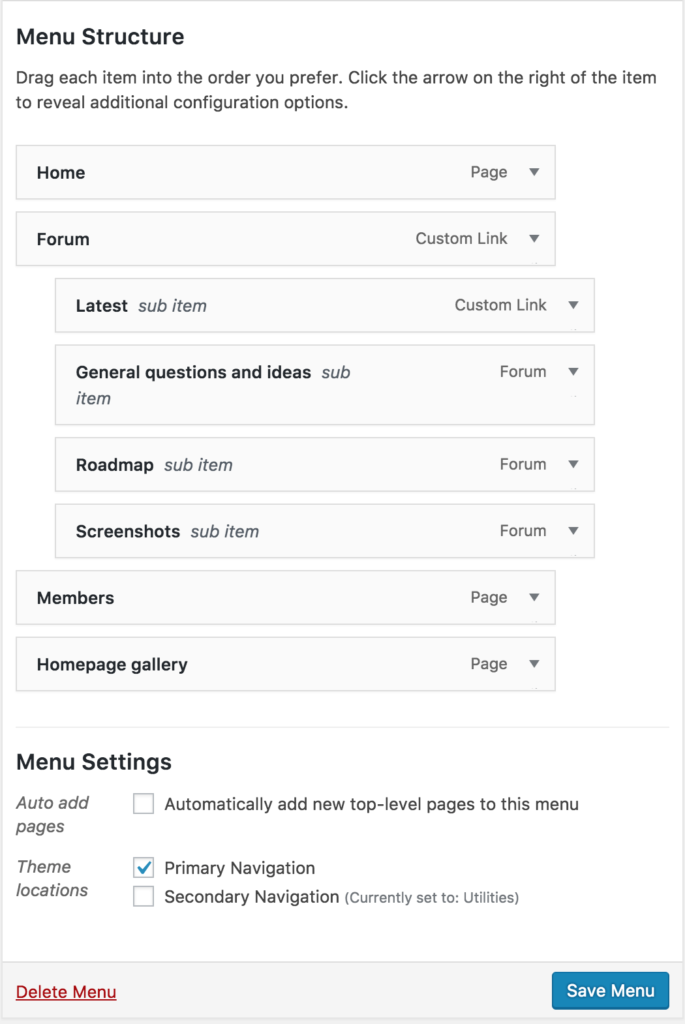
The system support two main menus in the header area.
Primary navigation is displayed beneath the header block. You can add main menu options here, including menu options with sub-menus. The system only support one level of dropdown menus.
Secondary navigation is displayed beneath the primary navigation.
In Appearance, Menus:
- Create a primary navigation menu, recommended options are About, How do I?, News – and assign as primary nav.
- If required, create a secondary navigation menu and add pages as required. Some automated options hook into the secondary navigation menu to display login/logout links and a link to My Profile.
- Create further menus as required for the footer area.
In Appearance, Widgets:
- Put Custom Menu widgets into the Footer areas using menus as required.