
Use the News updates widget to add announcements and notices to widget areas.
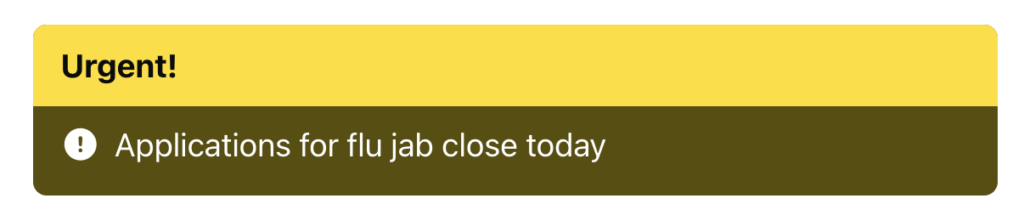
Choose the number of posts to display. There is an option to show the remaining count, if there are more news updates than the amount that you have chosen to display.
The “More updates” link is automated and will link to a news update type taxonomy archive page. If you choose just one type to be displayed in the widget, the “more” link will go to the archive listing for that type. If you choose more than one type, or no types, the “more” link to go to the news update post type archive, which will include all types.
If you’d like to include more than one news update type in the widget and link to an archive of only these types, create a hierarchical structure of terms and just use the parent term in the widget. The “more” link will then go to an archive of the parent term which will include all sub-terms.
Ideally, news updates should be time-bound and set to expiry when they are no longer relevant. Widgets will not appear if there is nothing to show.
The widget has a number of preset background colours that work in light and dark mode: green, blue, red, yellow, amber, primary (your theme primary brand colour).